Wizard Game
A downloadable game for Windows
This project will only work on Windows (tested with Windows 10 and 11): download and decompress the .ZIP file, locate \Windows\WizardGame_GameJam.exe and run the file. The game should start running immediately, it may take a few seconds or minutes to be playable. You may need to click the screen for mouse input to be detected correctly.
Controls:
WASD - Walk around
Space - Jump
Click (hold) - Pick up and hold item
E - Drink held potion
Mouse Move - Turn Camera
Mouse Scroll - Zoom in / out
ALT + F4 - To close the game
To play the game:
-Find potion ingredients scattered around the level
-Bring one or more potion ingredients to a cauldron, and drop them in
-Bring an empty bottle onto the cauldron
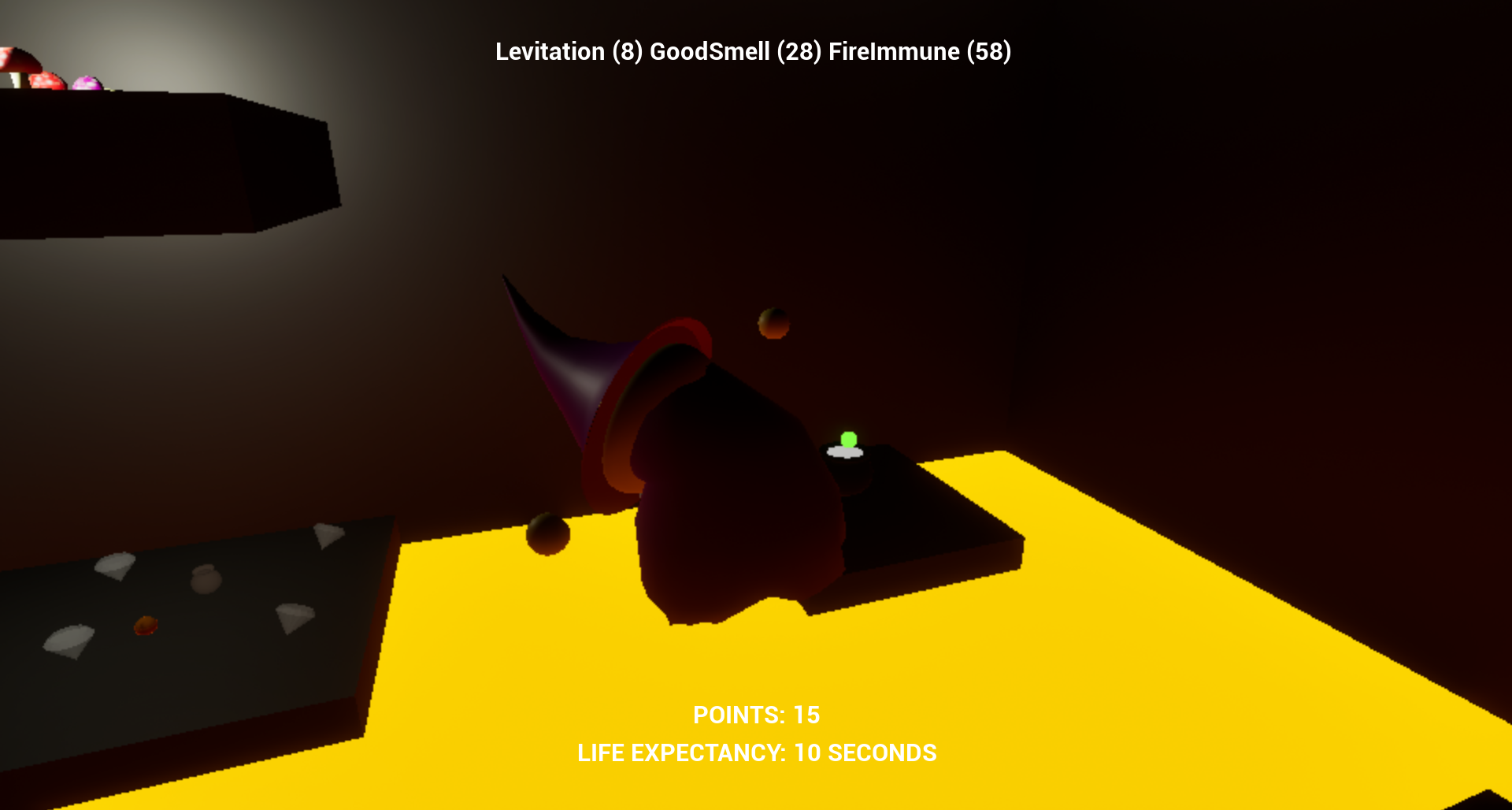
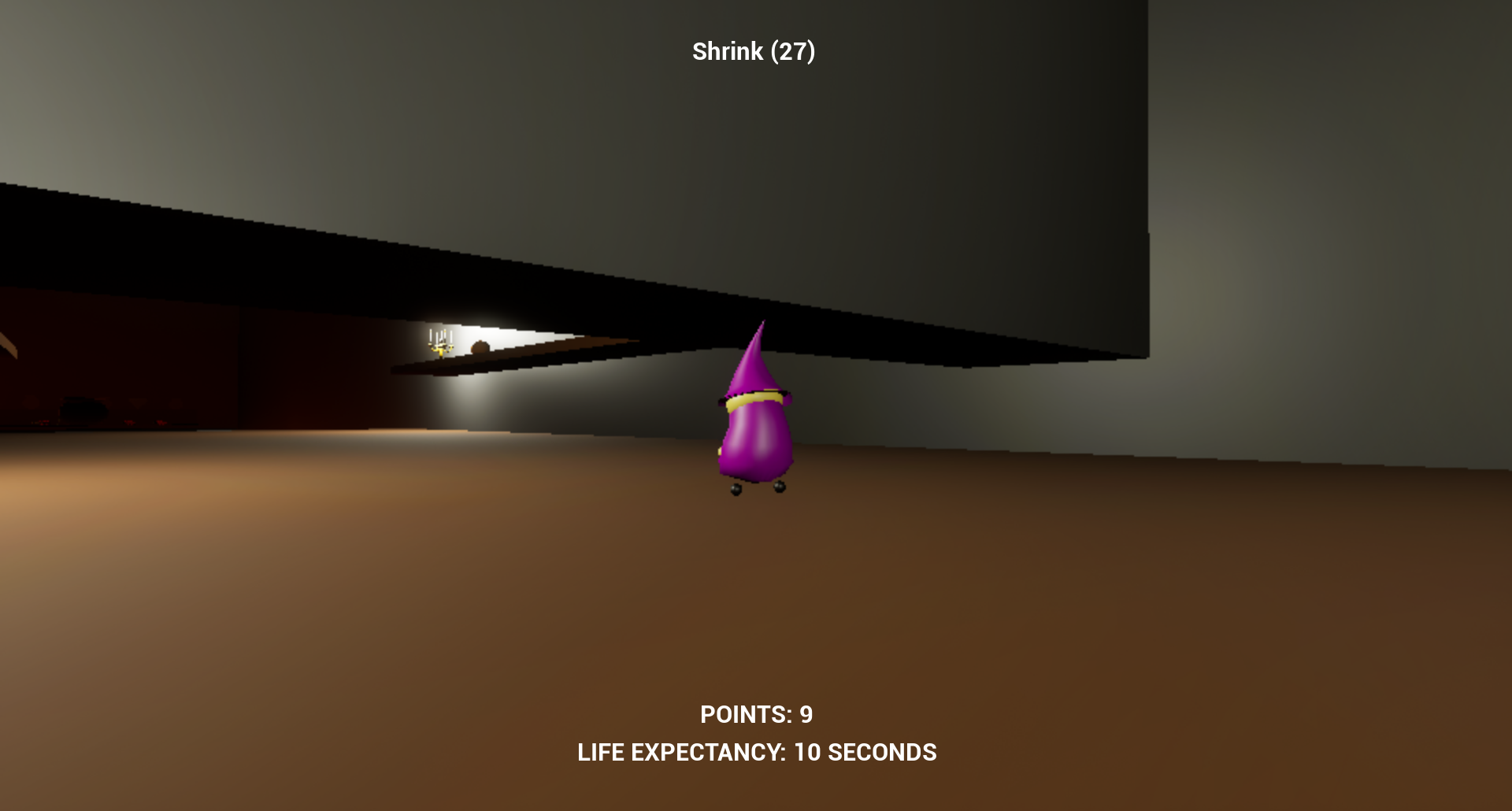
-The empty bottle will be filled with a potion that gives various effects
-The more distinct effects that a potion has, the more POINTS it gives, up to 10 per potion
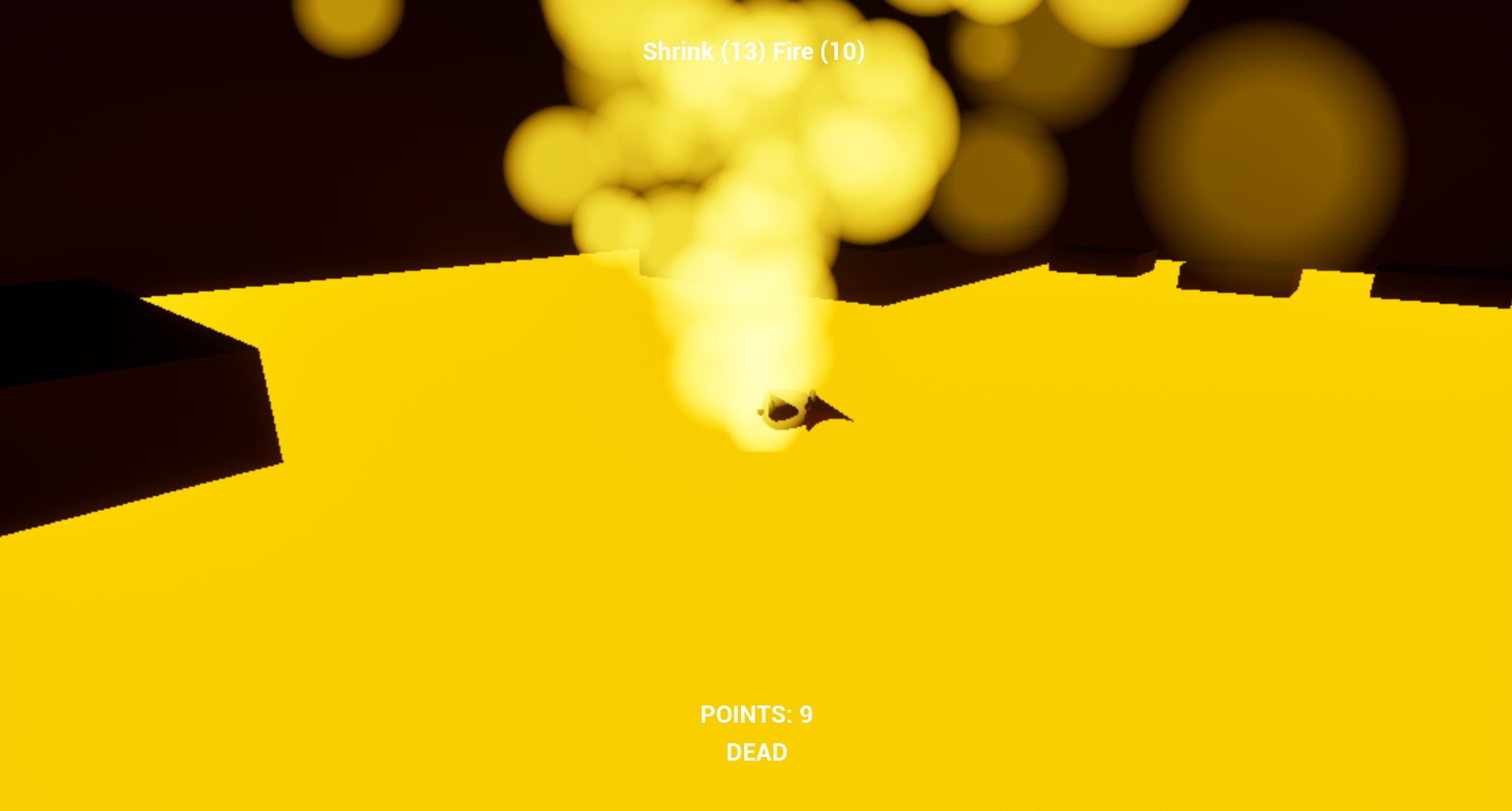
-Mixing ingredients will create potions with various additional side effects
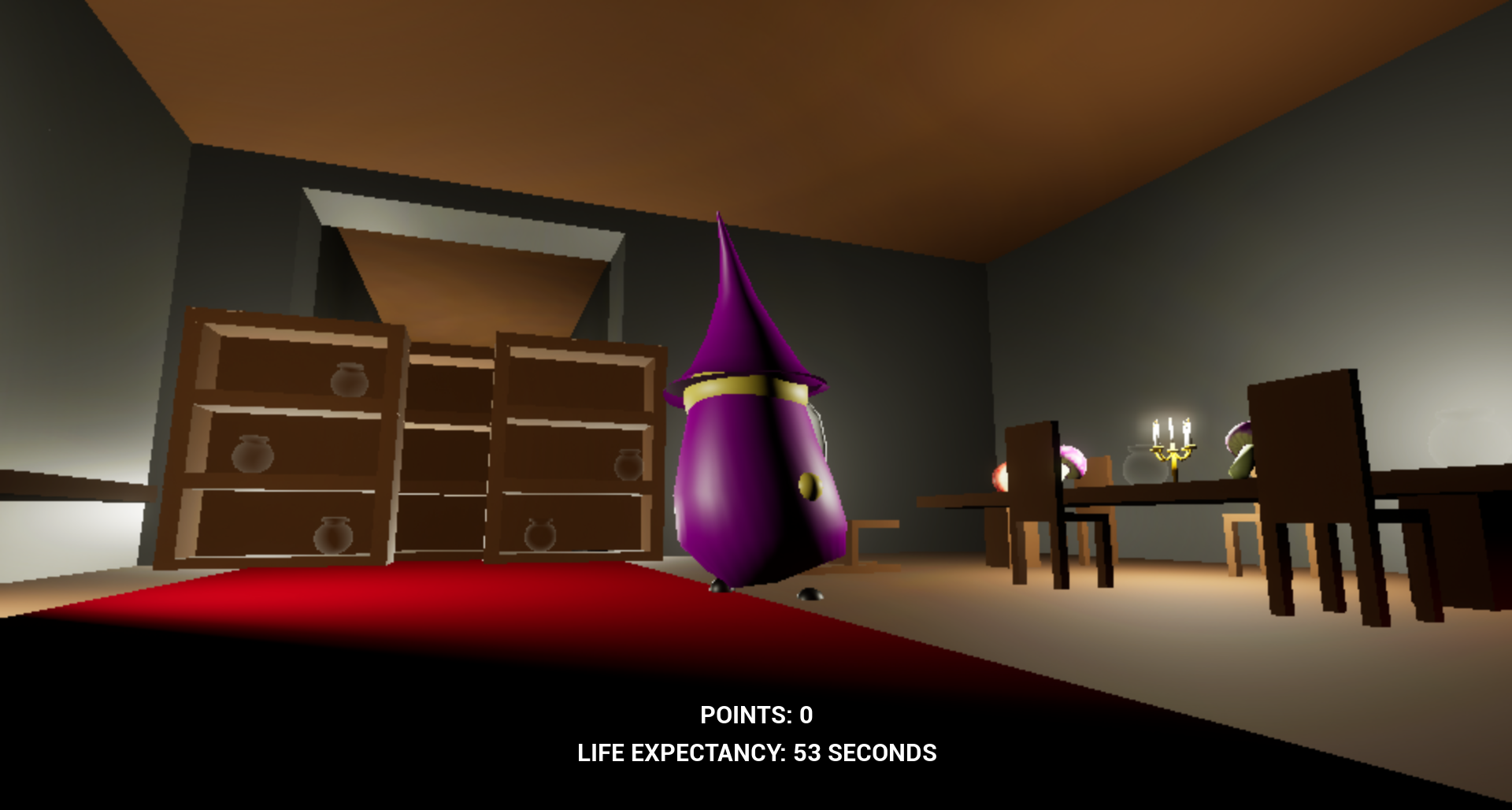
You are playing as an ancient Wizard who is dying from old age. He must drink potions to feel younger again, extend his life!
Download
Install instructions
This project will only work on Windows (tested with Windows 10 and 11): download and decompress the .ZIP file, locate \Windows\WizardGame_GameJam.exe and run the file. The game should start running immediately, it may take a few seconds or minutes to be playable. You may need to click the screen for mouse input to be detected correctly.
Windows Defender may block the game because it has no signed publisher, click "More info", then Run anyway. Other antivirus programs may also block this game from running, if this happens you will need to temporarily disable the antivirus, or exclude the game directory.
You may need to install additional dependencies, this should be shown on-screen in an installation step before the game runs.
Leave a comment
Log in with itch.io to leave a comment.